Pomodoro & project tracker
The time tracker
I actually open
I kept abandoning the ones with Jira plugins and AI coaches, so I built this one. It’s the timer I open at my desk, on the bus, and at 11pm on a side project I don’t tell my manager about.
0 ads·0 tracking·works offline
Tap the circle. That’s the whole thing.
What it does
Not much.
On purpose.
Every feature below is here because I wanted it and couldn't find it elsewhere. If something's missing, I probably haven't needed it yet.
01
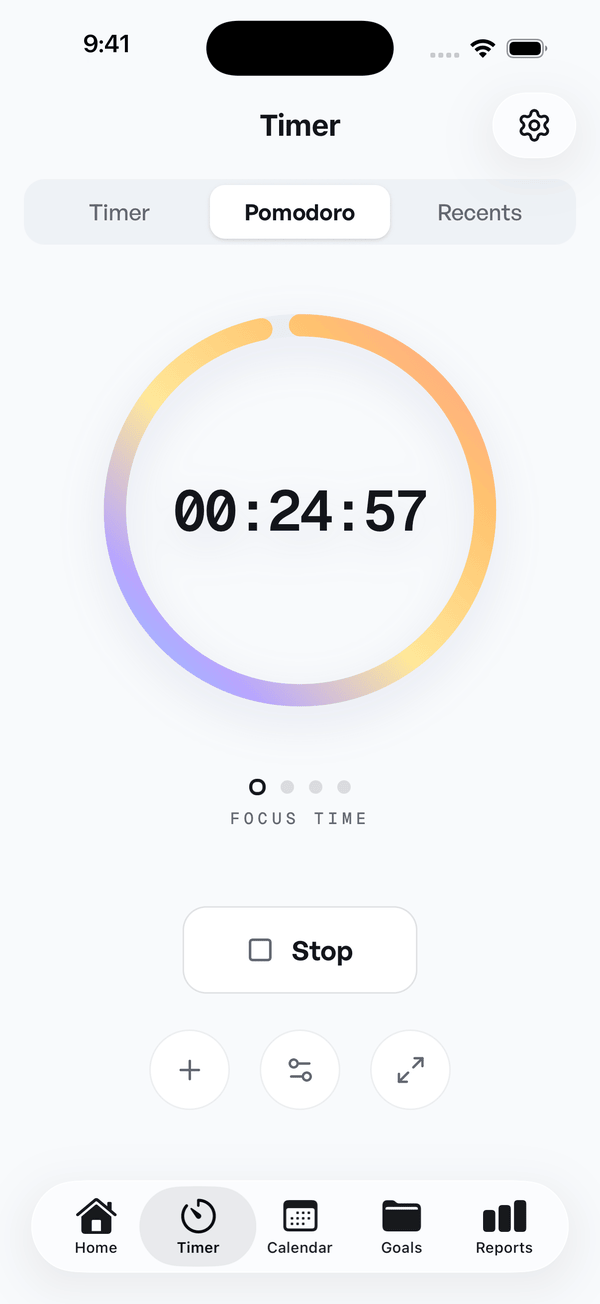
Tap to start
Open the app. Hit the big circle. That's it. You can tag the session later if you want, or never.
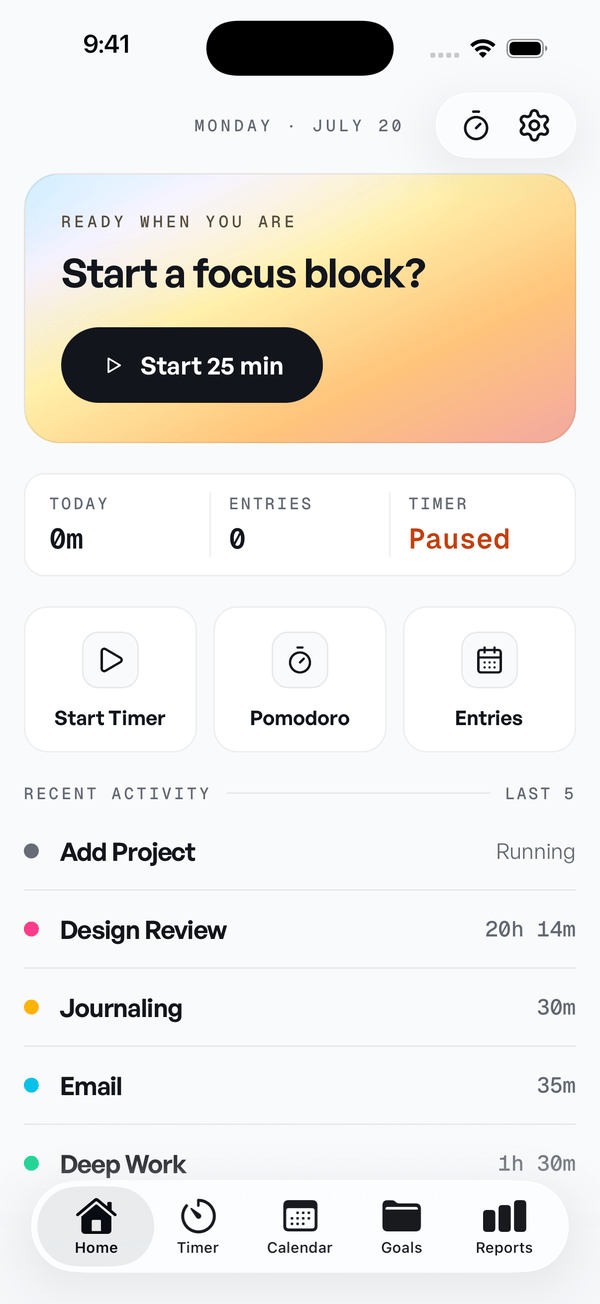
Ready when you are
Start a focus block?
Start 25 min02
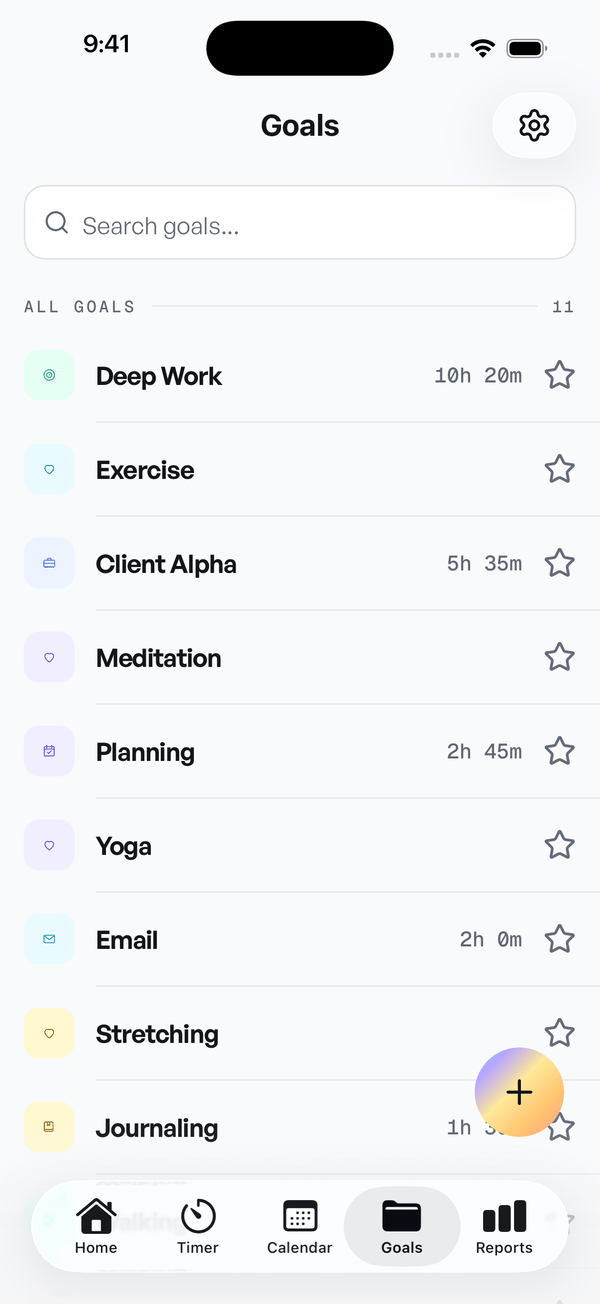
Projects are just lists
A project is a color and a name. Tasks under it if you want them. Nothing nested four folders deep.
03
A chart, once a week
On Sundays you see where your week went. Hours by project. No dashboard, no dopamine loop.
Also in the app
Same data, every device. iPhone, iPad, Android. Online it syncs, offline it waits.
Invoices from your hours. Pick a client, pick a date range, out comes a PDF.
Calendar, both directions. Google and Apple Calendar. Events in, tracked time out.
Are you going to add AI features?
No.
See it
The whole app fits
on one screen.
Start a block, stay in it, see proof it happened. Everything else is somewhere you rarely go.
Honest answers
Questions people actually ask.
- Why another time tracker? There are already so many.
- Because I didn't like the existing ones and I was going to be tracking my time anyway. If you already love Toggl, stay with Toggl. Pomlo is for people who opened Toggl three times and gave up.
- Do I really not need an account?
- Right. The free tier runs on-device. You only make an account if you want to sync between devices or upgrade to Pro.
- What happens to my data if Pomlo shuts down?
- You can export everything to CSV from settings at any time. The core timer works offline, so even if the servers go dark the app still works on your phone.
- Pomodoro or regular timer?
- Both. It ships with a 25/5 preset and you can set any interval you want. Or use it as a plain stopwatch and ignore the breaks.
- Why does Pro cost $5?
- Because running the sync backend costs money and I don't want to put ads in a productivity app. $5 a month covers hosting, and if enough people subscribe I can put more time into it.
Pricing
Free for the core.
$5 if you want more.
The free tier is a real thing, not a demo.
Yearly billing brings it to $3.33 a month.
Free
$0forever
Good for most people. No upsells, no nagging.
- Unlimited time tracking
- Up to 5 projects
- Last 7 days of history
- Weekly chart
- iOS & Android
ProWhat most paid users pick
$4.99per month
For the people whose 6th project was the one they needed.
- Everything in Free
- Unlimited projects
- All history
- Full analytics
- Calendar sync
- I answer your emails
Ten seconds from now
It's already on my phone.
Yours too?
Free on the App Store and Google Play. No account needed to start.